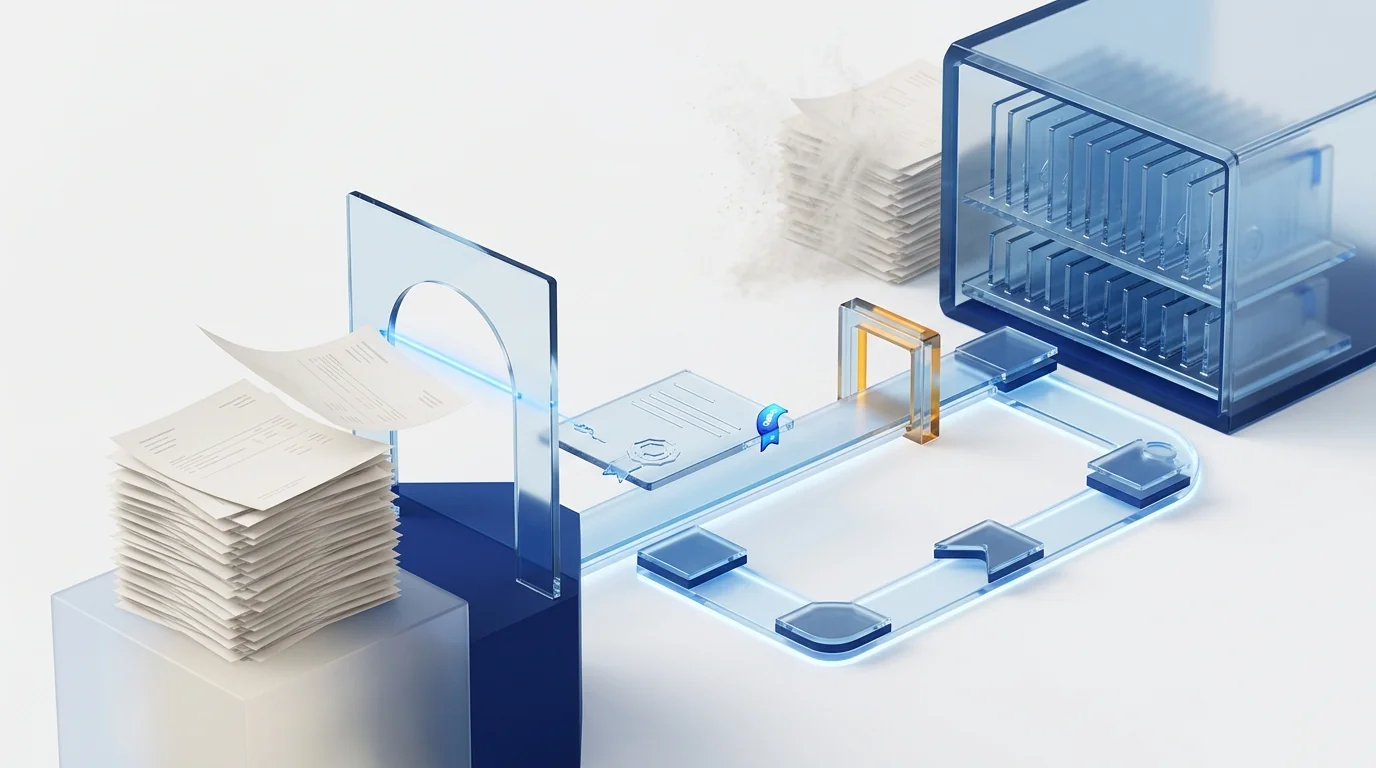
Certified invoice digitization is the process regulated by Article 7 of Spain's Order EHA/962/2007 that turns a paper invoice into a digital image electronically signed by software approved by the AEAT. Once its requirements are met — at least 200 dpi, PDF/A, PNG or JPEG2000 format, metadata, signature and a searchable database — the company may dispense with the paper original.
What certified digitization is (and why scanning is not the same thing)
Order EHA/962/2007 of 10 April defines it as the technological process that, using photoelectronic or scanner techniques, converts the image contained in a paper document into an encoded digital image, in a format and at a resolution accepted by the tax agency. The key is not the scanner but what happens around it: who performs the capture, what guarantees the image carries and where it is recorded.
A simple scan produces a copy. Certified digitization produces a document with value equivalent to the original, because the process is run by approved software that signs every image, stamps it with metadata and records it in a database the tax administration can query online. That is why the Order allows the taxpayer, once the procedure is complete, to dispense with the paper originals.
This table untangles the four things that get mixed up daily in an accounts department:
| Simple scan | Certified digitization | VERI*FACTU | B2B e-invoicing | |
|---|---|---|---|---|
| What it is | An image or PDF of the invoice, unsigned and unregistered | An image signed and registered by AEAT-approved software | Requirements for the software that issues invoices: chained records, hash and QR code | An invoice born in a structured format and exchanged between businesses |
| Which invoices | Any | Those received on paper | Those you issue | Those issued and received between businesses and professionals |
| Legal basis | — | Order EHA/962/2007 and AEAT Resolution of 24-10-2007 | Royal Decree 1007/2023, deadlines set by Royal Decree-Law 15/2025 | Law 18/2022 (Crea y Crece) and Royal Decree 238/2026 |
| Can the paper be destroyed? | No | Yes | Not applicable | Not applicable (there is no paper) |
| Mandatory? | No | No, it is voluntary | Yes: companies 1 Jan 2027, everyone else 1 Jul 2027 | Yes, in phases once the pending ministerial order is approved |
If you take away one idea: certified digitization is the only one of the four that solves the paper archive. The other two rules deal with invoices that are already born digital.
What the AEAT requires from approved software
The technical requirements are set by the AEAT Resolution of 24 October 2007, which implements Article 7 of the Order. They are not recommendations: if one is missing, the image is no longer equivalent to the original and the paper has to stay.
| Requirement | What the rule says |
|---|---|
| Minimum resolution | 200 dpi (pixels per inch) in the final image, whether black and white, colour or greyscale. |
| Format | Common standard formats: PDF/A (ISO 19005), PNG or JPEG2000, with lossless compression. |
| Faithful and complete image | One separate file per invoice (single or multi-page) reproducing the original in facsimile and preserving its geometry. The process runs automatically, without operator intervention. |
| XMP metadata | Embedded in the file: the approval reference, a timestamp, and the software's name and version number. |
| Electronic signature | A hash of the file (image plus metadata) followed by a recognised electronic signature, using a certificate installed on the system and invoked by the software itself. |
| Document database | The fields of the VAT record books (Articles 62 et seq. of Royal Decree 1624/1992) plus a field holding the binary image of the document. |
| Online access | The tax administration must be able to view, search selectively, copy or download and print the documents. |
| Approval | Responsible declaration + quality management plan + independent IT audit report. The Director of the Tax IT Department resolves and assigns a reference to the software's name and version. |
Two details hardly anyone reads. First: approval is tied to a commercial name and a version, not to a company. Second: the process must be automatic, so a tool where the user chooses whether to sign, or touches up the image before saving it, does not comply even if the result looks similar.
How to check that a product is approved
There is only one valid source: the list of approved software for certified digitization of invoices that the Spanish tax agency publishes on its electronic office and updates periodically. If the product's commercial name is not there, it is not approved, whatever the sales sheet says.
Three checks before signing with a vendor:
- The exact name. Many vendors approve a module under a name different from the suite's. Ask for the approval resolution and compare it with the list.
- The version. The approval reference is assigned to a specific version. Ask how the vendor handles updates so you stay covered.
- That approval covers your capture channel. Office scanners, multifunction devices and mobile apps are valid photoelectronic captures if the approved software is what processes them; a photo saved by hand into a folder is not.
"Advanced OCR", "smart reading" or "AI capture" describe data-extraction capabilities. They are valuable — we explain them in what intelligent document processing is — but they do not give the image evidential value.
Can I destroy paper invoices? Yes, with this protocol
The legal answer is clear: once the procedure has been completed with approved software, the Order allows you to dispense with the originals. The operational answer deserves more care, because a badly captured image whose paper no longer exists is a problem with no way back. This is the protocol we recommend:
- Quarantine. Keep the paper for a short period after capture (many companies set 30 days). It lets you catch cropped pages, double captures or illegible invoices before it is too late.
- Batch verification. Before destroying, check that each batch is signed, that the images carry metadata and that they appear in the database with their record-book fields.
- Destruction record. Log which batches are destroyed, when and who authorised it. If a third party does the shredding, keep its certificate.
- Exceptions. Keep a list of documents retained on paper under other rules or by contract (warranties, insurance, grants whose terms demand originals). The Order governs the tax sphere, not the whole of the law.
And one common-sense precaution: the approved software must also be where the document lives throughout the retention period, with its database and online access. Digitizing correctly and then exporting the PDFs to a shared folder breaks the chain.
How long invoices must be kept in Spain
It depends on which rule you ask, so keep all four in view. The practical rule is six years as a minimum, and ten if you carry forward tax losses or credits to be offset.
| Rule | Period | Counted from |
|---|---|---|
| Art. 66 General Tax Law | 4 years: limitation period for the tax authority to assess | End of the voluntary filing period for the tax |
| Art. 66 bis General Tax Law | 10 years to check offset (or pending) tax bases and credits | End of the filing period for the year they were generated |
| Art. 30 Commercial Code | 6 years for books, correspondence, documentation and supporting documents | Last entry made in the books |
| Art. 19 Royal Decree 1619/2012 (Invoicing Regulation) | Refers to the General Tax Law period; Art. 21 requires full online access when invoices are kept electronically | — |
A note on VAT deduction: the certified image keeps its value as supporting evidence throughout that period. What no rule does is shorten it because you digitized. You digitize to stop paying for storage, not to keep records for less time.
VERI*FACTU and e-invoicing: why they do not replace certified digitization
In 2026 all three come up in the same meeting and get blurred together. The useful distinction is which side of the invoice you are on.
- VERI*FACTU governs what you issue. Royal Decree-Law 15/2025 fixed the definitive deadlines for the Royal Decree 1007/2023 regulation: entities filing Corporate Income Tax must have their invoicing systems adapted before 1 January 2027, and all other taxpayers before 1 July 2027. It affects your invoicing software and the records it generates. The detail is in our complete VERI*FACTU guide for companies and the dates in the VERI*FACTU 2027 calendar.
- B2B e-invoicing governs the exchange. When it enters into force in phases, invoices between businesses will be born in a structured format and there will be no paper to digitize. We cover it in what Royal Decree 238/2026 sets for mandatory e-invoicing in Spain.
- Certified digitization governs what you receive on paper. And you will keep receiving paper for years: foreign suppliers, small sole traders, expense receipts, utility bills that arrive by post. Until that flow disappears, it is the only way to avoid storing it physically.
Practical conclusion: complying with VERI*FACTU does not exempt you from keeping invoices received on paper, and certified digitization does not exempt you from VERI*FACTU. They are two separate obligations on two separate flows, and the sensible thing is for one platform to handle both so you do not end up with duplicate archives.
The real flow: from received invoice to certified archive
Certified digitization is not a separate project; it is the last step of a well-designed accounts-payable process. This is how it chains together when it works:
- Receipt through any channel. A dedicated mailbox, a multifunction scanner, a mobile app for receipts, a supplier portal or a connection to the ERP. The invoice enters once and is identified.
- AI OCR. Supplier, tax ID, number, date, taxable bases, VAT rates, withholdings and due date are extracted without per-supplier templates. Doubtful cases are flagged, not guessed.
- Validation. Tax-data checks, matching against purchase order or contract, duplicate detection. Only what does not add up goes to a person.
- Approval. Automatic routing by amount, cost centre or project, with a trail of who approved what and when.
- Posting. The accounting entry is generated and sent to the ERP with deductible VAT separated and a link to the document.
- Certified archive. The image, now with compliant resolution, format, metadata and signature, stays in the document database for the retention period, accessible online. The paper goes into quarantine and is then destroyed.
Expense receipts follow exactly the same path, with the advantage that the employee takes the photo on the spot and the thermal receipt has no time to fade.
Common mistakes that void the certification
- Confusing OCR with approval. The vendor reads invoices beautifully, but its product is not on the AEAT list. The paper is thrown away and the gap is discovered during an inspection.
- Scanning at 150 dpi "so it takes up less space". Below 200 dpi the image does not comply. The disk saving is irrelevant next to the risk.
- Taking the PDFs out of the system. Exporting the images to a network folder or a generic document manager breaks the database and the online access the rule requires.
- Destroying without quarantine or a record. A missing page, and nobody knows when the original was shredded.
- Letting the signing certificate expire, or moving to a new software version without checking it is still approved.
- Keeping records for only four years. That is the General Tax Law period, but the Commercial Code asks for six and carried-forward losses for ten.
Implementation checklist
Eight checks that separate a project that works from one that merely moves the pile of paper somewhere else:
- The software appears on the AEAT list of approved products under the name and version you will use.
- Every capture channel (scanner, multifunction device, mobile, email) is processed by the approved software, not by an intermediate tool.
- Capture resolution is fixed system-wide at 200 dpi or more and cannot be lowered by the user.
- An electronic certificate is installed for signing, with someone responsible for renewing it before it expires.
- The document database holds the record-book fields and allows search, viewing, download and printing online.
- There is a written protocol for quarantine, batch verification and destruction records.
- The retention policy is set at six years minimum (ten if there are bases or credits to offset).
- The approval and posting flow uses the same certified document, with no parallel copies in folders or email.
Before deciding, put numbers on the current archive: metres of shelving, off-site storage, hours spent finding an invoice. The savings calculator does it in a minute without asking for your email.
How Dokuflex solves it: AI OCR and certification in the same flow
Dokuflex, low-code BPM platform with AI, treats the invoice as a process, not a file. The same capture feeds data extraction, approval, posting and the tax-valid archive, without the document ever leaving the system.
- Template-free AI OCR. It reads supplier, bases, VAT rates, withholdings and tax data from PDFs, scans and photos, in any layout and without training a template per supplier. Exceptions go to human validation inside the flow.
- AEAT-approved certified digitization. Dokuflex appears on the official list as Doku4Invoices, under the Resolution of 24 October 2007. It applies the procedure automatically: 200 dpi or higher (300 dpi by default), PDF/A, XMP metadata, certificate-based electronic signature and a monthly seal of the database, with custody for the legal period. Details on the AEAT certified digitization page.
- Approval workflow. Each invoice is routed by amount, cost centre or project, with a full trail of who approved it and when.
- Integration with SAP, Sage, A3 and Holded. The entry goes out with deductible VAT separated and a link to the certified document. The same flow reports to the SII and generates VERI*FACTU records, so both obligations live on a single platform.
What changes for the accounts team is simple to describe: the filing cabinet disappears and the accountant only steps in for exceptions.
Frequently asked questions
What is certified invoice digitization in Spain? +
It is the technological process defined in Article 7 of Order EHA/962/2007 that converts an invoice received on paper into a digital image, in a standard format and at a resolution accepted by the AEAT, using approved software that electronically signs every image and records it in a searchable database. Once the procedure is complete, the company may discard the paper original.
Can I destroy paper invoices after digitizing them? +
Yes, provided the digitization was performed with software that appears on the AEAT's list of approved products and every image carries an electronic signature, metadata and a database record. Order EHA/962/2007 states that the taxpayer may dispense with the paper originals. An ordinary scan produced by any OCR tool does not grant that right: the image is a simple copy and the AEAT may demand the original throughout the limitation period.
How long must invoices be kept in Spain? +
The Invoicing Regulation (Article 19 of Royal Decree 1619/2012) refers to the limitation period of the General Tax Law: four years under Article 66. However, Article 30 of the Commercial Code requires books, correspondence, documentation and supporting documents to be kept for six years from the last entry, and Article 66 bis of the General Tax Law extends to ten years the period for checking offset tax bases or credits. The prudent practice is six years as a minimum, and ten if you carry forward tax losses.
How do I know whether a digitization product is approved by the AEAT? +
By checking the list of approved software the Spanish tax agency publishes on its electronic office. Approval is granted to a specific commercial name and version by resolution of the Tax IT Department, after a responsible declaration, a quality management plan and an independent IT audit report. A product advertising advanced OCR or AI capture is not necessarily approved.
Is certified digitization the same as VERI*FACTU? +
No. Certified digitization concerns the invoices you receive on paper and is voluntary: it regulates how to turn them into images with evidential value. VERI*FACTU (Royal Decree 1007/2023) concerns the invoices you issue and your invoicing software, which must generate chained records with a hash and a QR code; it becomes mandatory for companies on 1 January 2027 and for everyone else on 1 July 2027 under Royal Decree-Law 15/2025. A business may need both at the same time.
Does a photo taken with a phone count as certified digitization? +
Only if the capture is made by an approved application that applies the full procedure: a minimum resolution of 200 pixels per inch, PDF/A, PNG or JPEG2000 format, XMP metadata carrying the approval reference and a timestamp, an electronic signature on the file and a record in the document database. A photo saved to a shared folder is a simple scan and means the paper still has to be kept.
What is the difference between invoice OCR and certified digitization? +
OCR, with or without artificial intelligence, reads the invoice and extracts its data (supplier, base, VAT, due date) so it can be posted without typing. Certified digitization gives the image evidential value so the paper can be destroyed. They are distinct, complementary layers: OCR saves administrative time, certification saves archive space and inspection risk. A well-designed invoice flow does both on the same document.
Sources
- Order EHA/962/2007 of 10 April (BOE 14-04-2007): Article 7, certified digitization of invoices.
- AEAT Resolution of 24 October 2007 (BOE 01-11-2007): approval procedure and technical requirements for the software.
- Agencia Tributaria — Approved software for certified digitization of invoices.
- Royal Decree 1619/2012 (Invoicing Regulation): Articles 8, 19, 20 and 21.
- Law 58/2003, General Tax Law: Articles 66 and 66 bis.
- Commercial Code: Article 30.
- Royal Decree-Law 15/2025 of 2 December and the AEAT information note: new deadlines to adapt to VERI*FACTU.
Stop paying to store paper
See how an invoice arrives by email or from a phone, is read by AI, approved, posted to your ERP and archived with validity before the AEAT. No templates, no filing cabinet, and with approved software that appears on the official list.