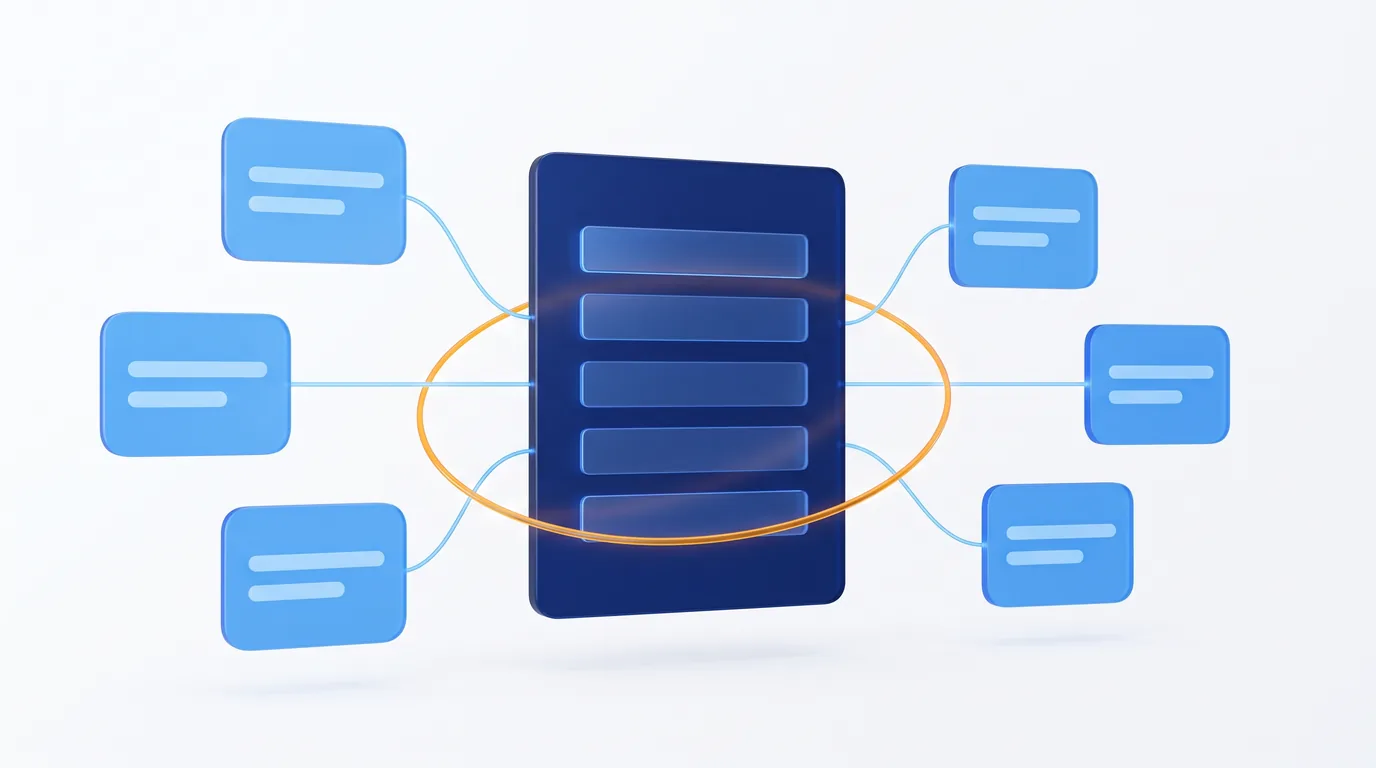
A process suite installs all of a department’s processes in one go, linked around a main record: every record knows which records in the other processes it is linked to, some records are created from others with the data copied, and alerts create a task before each deadline. Dokuflex publishes six, all free: IT Service, Human Resources, ISO 9001 Quality, Purchasing and Accounts Payable, Aesthetic Clinic and Property Management.
Why standalone templates become islands
Almost every SME starts digitizing a department the same way: one template for vacation requests, another for incidents, another for supplier invoices. Each one handles its task, and handles it well. The problem comes later, when those tasks need to talk to each other.
The supplier invoice doesn’t know which purchase order justifies it or whether the goods arrived in good condition. The sick leave doesn’t know it started with a workplace accident. The nonconformity doesn’t know which audit it came from or which process in the quality system it affects. Every record is in its place, but nothing points to anything, and the person working with them becomes the glue:
- They type the same data several times: the person’s national ID in five spreadsheets, the supplier’s tax ID in the purchase, the delivery and the invoice.
- They search for related items by hand: to find out what is going on with a supplier or an employee, they open five lists and filter each one.
- They find out about deadlines too late: the probation period, the supplier’s tax compliance certificate or the meeting minutes expire in a cell nobody looks at.
- They don’t know where to start: fourteen menu entries, and none of them says which one is central or what order they go in.
None of this is fixed with more discipline. It’s fixed when a department’s processes are installed together and know about each other. That’s a suite.
What a process suite is
A suite is a module in the Dokuflex catalog that brings several processes already linked together. They are all built from the same building blocks, so once you learn one you can find your way around the others:
- One record at the centre. The employee, the supplier, the patient, the homeowners’ association, the quality-system process or the incident. The other processes pick it from a drop-down and its data fills in on its own: pick the person and their email, job title or work centre are filled in.
- Links visible from both sides. If the invoice points to its purchase order, the order lists its invoices. Every form includes a list for each related process, and you open the record from there.
- “Create from” buttons. “Open nonconformity” in the audit, “Register invoice” in the delivery, “Send to payroll” in the overtime record. The next record is created with the data copied and linked to where it came from.
- Alerts that create a task. When a date enters its window, the suite creates a task for the right person. It won’t create another while the previous one is still open.
Every suite comes with sample data already linked, so you can walk through the whole flow on day one, and you can extend it without coding on the low-code BPM platform: add fields, change statuses or build reports. The suite copies the processes rather than sharing them: the standalone modules in the catalog stay as they are and can be installed separately. It’s the same idea as a shared customer and supplier master, applied to an entire department.
The six suites, one by one
These are the six suites published in the catalog, with the number of processes each one installs. The detail of every process, by stage, is on the suites page.
IT Service · 7 processes
Requests and incidents, problems, changes, post-incident reviews, knowledge base, IT assets and access requests, linked record by record. Every incident knows which device is failing, which problem causes it, which change triggered it and which article solved it, and the inventory creates a task before a warranty expires or maintenance is due. We cover it in detail in from the recurring fault to the root cause (in Spanish). See the IT Service suite
Human Resources · 26 processes
From recruitment to exit, built around the employee record, which stores no salary or health data. Onboarding creates the record, an accident opens the sick leave, and overtime, salary reviews and bonuses go into the payroll changes for your external payroll provider (in Spain, the gestoría). There are reminders before the end of the probation period, a fixed-term contract or a medical check-up. It doesn’t calculate payroll, and time tracking and vacations live in their own modules. More in the guide to the digital employee file (in Spanish). See the Human Resources suite
ISO 9001 Quality · 9 processes
The quality system built around the process map: risks and opportunities, objectives and KPIs, document control, audits, nonconformities, customer complaints, management review and change management. An audit finding, a complaint or an off-target KPI turns into a nonconformity in one click. It organizes the evidence, but it doesn’t certify: an accredited body does that. See the ISO 9001 Quality suite
Purchasing and Accounts Payable · 5 processes
Suppliers, purchase requests and orders, goods receipts, supplier invoices and contracts. The receipt and the invoice are registered from the purchase with the order, supplier and amounts already filled in, and the suite gives you a heads-up before a supplier certificate expires, a payment deadline passes or a contract renews automatically. It records whether the rejection and the payment have been reported, but it doesn’t send them to the e-invoicing network. See the Purchasing and Accounts Payable suite
Aesthetic Clinic · 17 processes
From appointment request to invoice, built around the patient record: scheduling by practitioner, treatment room or device, consent forms signed from a phone, sessions with their batch and photos, quotes accepted with a signature, session packages, stock by batch, surveys and complaints. The patient confirms or cancels their appointment from the email sent the day before. See the Aesthetic Clinic suite
Property Management · 13 processes
For firms that manage homeowners’ associations (comunidades de propietarios in Spain): properties and owners, requests and notices, meetings and resolutions, incidents, insurance claims, inspections, contracts, works and special levies, debts and debt certificates. Reminders follow the deadlines of Spain’s Horizontal Property Act (Ley de Propiedad Horizontal), such as issuing the debt certificate within seven days. It works alongside your property management accounting software: it doesn’t issue owners’ bills. See the Property Management suite
One page per suite, organized by stage
With twenty-six processes, the HR suite would fill the side menu. That’s why, since 17 November 2026, a suite installs as a single page, organized by stage:
- At the top, the main process, on its own card: what it has in progress, how many records it holds and the processes linked to it.
- Below, numbered, collapsible stages. In HR there are seven, from “Recruitment, joiners and leavers” to “Pay and payroll”. Each process shows what it has in progress, has a “+” to add a new record and, if it creates records in another process, says which one.
- A search box that ignores accents and capitalization, and a chip per stage with its count.
- A “New request” button listing every process, grouped by stage, so nobody has to hunt for where to register something.
- “Complete the suite”, visible only to the organization’s administrators: the complementary modules they don’t have yet, with a link to each one’s page in the store.
Two clarifications so we don’t overpromise. The figures show what each process has in progress; they are not a suite dashboard. And suites installed before this change keep their group in the menu: the page comes with new installations.
Calendar and timeline: deadlines at a glance
Many processes in a suite revolve around dates: sick leave, reviews, audits, certificate expiries, invoice due dates. Alongside the list and kanban views, those processes have a third view under the CALENDAR button:
- Calendar by month, week or day.
- Timeline with one row per record, on a month, quarter or year scale. Open records, such as sick leave with no return date, are drawn up to today.
- Several dates at once, each with its own colour and legend: in the supplier record, the expiry of each certificate and of the insurance; in Employees, the end of the probation period, the end of the contract and the next medical check-up.
Each user sees the same as in the list view, with “Me / Everyone”, and every bar opens its record. What it isn’t: bars can’t be dragged to change dates, and the timeline shows records, not a Gantt chart with dependencies between tasks.
What is deliberately left out
A suite covers a department’s files, deadlines and relationships. It doesn’t replace specialist software that already works, and each suite states in the store what it leaves out:
| Suite | Left out, and why |
|---|---|
| IT Service | Cybersecurity incidents, because they are confidential: they have their own NIS2 module. There are also no service-level timers with escalation and no visual dependency map. |
| Human Resources | Payroll calculation (the suite prepares the payroll changes for your payroll provider), a visual org chart, anonymous engagement surveys, and the whistleblowing channel and harassment cases, because they are confidential. Time tracking and leave and time off are separate modules. |
| ISO 9001 Quality | Certification, which is issued by an accredited body, and the ISO 14001 and ISO 45001 standards. |
| Purchasing | Sending the rejection and payment to the e-invoicing network, the SEPA file and posting to the accounts. |
| Aesthetic Clinic | Online booking with live availability, card payments and sync with external calendars. |
| Property Management | Accounting, owners’ bills and remittances, an owner portal and online voting. In Catalonia the deadlines of the Catalan Civil Code apply, and the reminders need adjusting. |
There are also two limits common to all of them. A record lists the records that point to it, but has no counter that updates on its own. And a link between two records is one the suite has planned for: you can’t freely link any record to any other.
How to get started
- Pick the department where the manual glue hurts most today: the one that retypes the most data or misses the most deadlines.
- Create your free account and install the suite from the module catalog.
- Walk through the sample data from the suite page: open the main record and follow the links to the last record.
- Adjust it to your needs: lists, statuses and fields, without coding.
If you’d rather see it with your own data before installing anything, book a 20-minute session.
Frequently asked questions
What is the difference between a suite and a process template?
A template handles a single, isolated task. A suite installs all of a department’s processes linked around a main record: records are linked both ways, some are created from others with the data copied, and alerts create tasks before each deadline.
How much does it cost to try a suite?
Suites are free modules from the catalog. You create an account without a card, install the suite and it arrives with sample data already linked. To work with your team, the platform’s Starter plan starts at €25 per user per month with an annual subscription, VAT not included.
Do suite alerts send emails?
They create a task for the right person, with time to spare before the deadline, and don’t repeat it while it is still open. The exception is the aesthetic clinic, where the patient receives an email asking them to confirm their appointment, and an SMS if the organization has it enabled.
Can I install only part of a suite?
The suite installs as a whole, but each process can be extended or left unused. If you only need one task, the standalone modules in the catalog are still available: the suite copies the processes rather than sharing them.
I installed a suite before the stages page. Will it change on its own?
No. Suites installed from now on come with their page organized by stage; those installed earlier keep their group in the menu.
Let your department’s processes know about each other
Pick the suite, create a free account and walk through it with the sample data. Or tell us how your team works and we’ll show it to you applied to your case in 20 minutes.