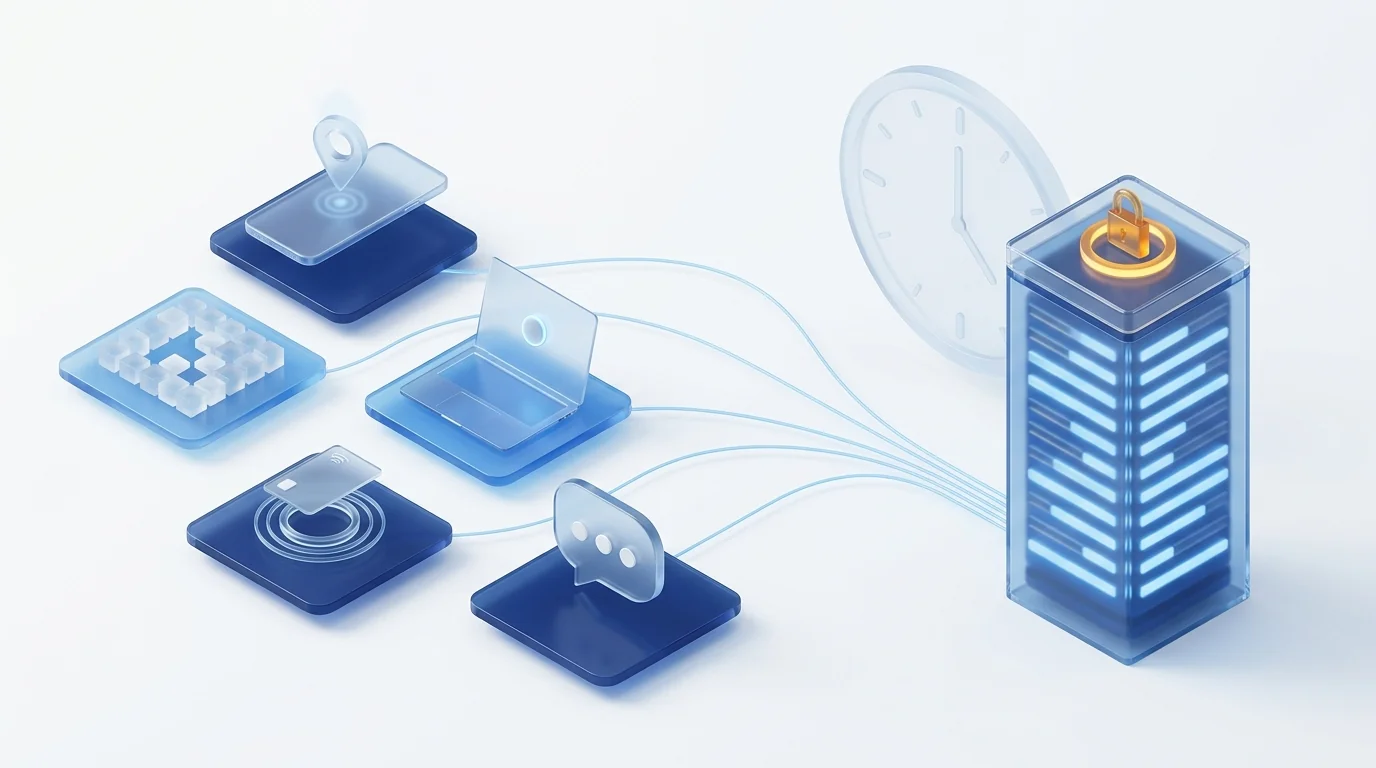
Any clock-in method is valid if it leaves a daily, tamper-proof record, kept for four years and available to the employee and the Labour Inspectorate (Article 34.9 of Spain's Workers' Statute). Mobile app, QR code, browser and NFC card meet that with a server timestamp; a WhatsApp group or paper cannot guarantee it; fingerprints require an impact assessment and are almost never proportionate according to the data protection authority. The fine for a deficient record runs from €751 to €7,500 (LISOS, Article 7.5).
What the law requires today, and what the decree will change
Since 12 May 2019 every employer in Spain must record each day the start and end time of each person's working day, keep those records for four years and make them available to staff, their representatives and the Labour Inspectorate. Royal Decree-Law 8/2019 did it by adding paragraph 9 to Article 34 of the Workers' Statute, days before the Court of Justice of the EU, in CCOO v Deutsche Bank, required every Member State to demand an "objective, reliable and accessible" system.
The law does not say how to clock in. The Ministry of Labour's guide expressly accepts "electronic means" and paper too, with one condition that is the point of this article: the record must be reliable and unalterable, so that it cannot be changed afterwards without leaving a trace. That condition is what makes some methods valid and others a mere appearance of compliance.
The change on the way is the royal decree on digital working-time records. The Council of Ministers cleared it for urgent processing on 30 September 2025; the Council of State issued an unfavourable opinion on 23 March 2026, partly because the twenty-day adaptation period in the draft was insufficient; the Ministry withdrew it to adjust the text and, at the time of writing, it has still not been published in the Official Gazette. What has not changed in any version is the substance:
| Obligation | Today (Art. 34.9) | Draft decree |
|---|---|---|
| Medium | Free: paper or electronic, if reliable and unalterable | Digital only |
| What is recorded | Start and end of each working day | Entries, exits and certain interruptions, in more detail |
| Changes | Must not alter the original record | Traceability: who changed what and when |
| Inspectorate access | At the premises, on request | Remote and immediate access |
| Staff access | Available to the employee and representatives | Direct access by each person to their own records |
| Retention | Four years | Four years |
The practical consequence is simple: if you choose a method today that already meets the right-hand column, you will not have to change anything when the decree is published. If you choose one that only meets the left-hand column, you will have to migrate in a hurry, within whatever deadline the final text sets.
The seven clock-in methods compared
These seven methods cover almost everything in use in a Spanish company. The table rates them on the four criteria that matter in an inspection or a claim, not on how nice the app looks.
| Method | Who it suits | Tamper-proofing and proof | Cost and roll-out | GDPR risk |
|---|---|---|---|---|
| Mobile app | Remote work, field technicians, sales reps, shifts | High: server timestamp, identified user | No hardware; install on the phone | Low if GPS is optional and only at clock-in |
| Browser (computer) | Office and remote work with company equipment | High: same platform as the app | Zero: a link | Low |
| QR code at the site | Shops, construction sites, warehouses, hospitality | High if the QR is dynamic and the system stores the record | A sign; nothing to install on site | Low |
| NFC or RFID card | Factories, sites with many people and few phones | High; risk of lending the card | Cards and a reader or tablet | Low |
| Kiosk tablet at reception | Offices, clinics, sites with one entry point | High; PIN or card to identify | One tablet per site | Low |
| WhatsApp or chat | Low-digital teams, field staff | None if it is a group; medium if it is a bot writing to an external system | Zero | High: personal channel, data outside company control |
| Biometric terminal | Almost no case in the private sector | High | Terminal per entrance, maintenance | Very high: special-category data, mandatory impact assessment |
Paper and spreadsheets are not in the table because they are not clock-in methods; they are the problem these methods replace. A printed sheet signed on Friday for the whole week is not a daily record, and a spreadsheet cell can be changed without trace. The draft decree rules them out expressly.
Clocking in by phone: app, GPS and no coverage
The mobile app is the most flexible method because it goes with the person: it works equally at home, on site or in the car. What makes it valid as a record is not the phone but the fact that the server sets the timestamp, the person is identified and the record sits beyond the reach of the device itself. Three details separate a serious app from one that only looks serious:
- GPS only at clock-in, and optional by role. Storing the position at the moment of clocking in and out is proportionate for home-visit technicians or sales reps; tracking during the day is not. We cover it in GPS time tracking for remote and field employees.
- Offline mode. An installer in a basement or a technician in a warehouse with no signal must still be able to clock in; the record is stored with the local time and synced when the connection returns, flagged as such.
- Breaks with one tap. If recording lunch or a short absence takes more than one gesture, nobody will do it, and the whole interval between clock-in and clock-out will be presumed worked.
The usual objection is the personal phone. The law does not oblige anyone to install an app on their own device, so the sensible thing is to always have an alternative that does not depend on it: the browser, a QR code with a company device, or the kiosk tablet at reception.
Clocking in from the computer: office and remote work
Clocking in from the browser is the cheapest method there is and, in offices and remote work, the most natural: the person opens the laptop, logs into the platform and starts the day. Nothing to install, and nobody's phone is involved. It works because the record lives in the same system as the app, with the same timestamp and the same traceability.
Two things to watch. The first is access: if the platform supports single sign-on with the company directory, clocking in is one click and nobody has to remember another password. The second is not to confuse "switching on the computer" with "clocking in": automatic recording at login is convenient, but it does not distinguish the lunch break from leaving mid-afternoon, and in a dispute it turns against the employer.
For remote work, the browser also settles the awkward question of GPS: it is not needed. The Statute requires knowing how long people work, not from where.
Clocking in with QR, NFC or a tablet: physical sites, shops and construction
When there is a physical workplace with an entry point, the method should live there rather than on everyone's phone. There are three variants, and all three store the record in the same system:
A sign on the door; the person scans it with their phone or a site device and is clocked in. It is the fastest method to roll out in shops, construction sites and warehouses. Ask for the QR to be dynamic, changing every few seconds on a screen: a printed QR gets photographed and used from home.
The person taps a card on a reader or a tablet. It suits factories and sites with many people who do not carry a phone at their workstation. Its weakness is well known: the card can be lent. It is mitigated with a PIN or a photo taken by the tablet at clock-in, not with a fingerprint.
A fixed tablet with the site's staff list: each person identifies with a PIN or card and taps in, out or break. It is the natural replacement for the old punch clock and works for people who do not want apps on their phone.
In every case, what counts for the Inspectorate is that each entry has a server time, an identified person and a site, and that export is immediate. How the person did it, with QR or card, is a detail in the row.
Clocking in via WhatsApp: convenient, but does it count?
A WhatsApp group where everyone types "in" at nine and "out" at six is not a working-time record. It fails everything the Ministry's guide requires: messages can be edited and deleted, the history lives on personal phones the company does not control, the time is set by the phone of whoever types, and in a dispute there is no way to prove nobody touched it. There is a second problem we covered when discussing passwords sent over chat: staff data ends up in a consumer service with which the company has no data processing agreement.
Using a chat as an input channel is a different matter. Some vendors offer a bot: the person messages it or shares their location, and it is the time-tracking system, not the chat, that stores the record with a server timestamp and makes it available to the company. There, what counts is the system behind it. If you are offered it, ask three things: where the record is stored, whether it can be altered from the chat, and whether the export for the Inspectorate comes from the system or from a screenshot.
Quick rule. If proving someone's working day would require a screenshot, you do not have a working-time record. You have a conversation.
Biometric clocking-in: what the data protection authority says about fingerprints
The fingerprint terminal was for years the "serious" method by default, and it is still installed in many factories and buildings. The Spanish data protection authority's guide of November 2023 changed the criterion: fingerprints and facial recognition, whether used to identify or to verify, are special-category data under Article 9 of the GDPR, and processing them requires lifting a general prohibition.
For working-time records and presence control, the authority concludes that this would require a law expressly authorising it, and that today there is none; that employee consent does not work, because it is not freely given in an employment relationship; and that, in the exceptional cases where it might be justified, an impact assessment must be carried out first and it must be shown that no less intrusive alternative exists. Since a card, a QR code or a tablet with a PIN performs exactly the same function, that alternative almost always exists.
Translated into a decision: if you have fingerprint terminals for clocking in, plan their replacement; if you are choosing now, leave them off the list. A tamper-proof record comes from the timestamp and the audit trail, not from the finger.
How to choose: a matrix by team type
Almost no company has a single type of team, so almost none should have a single method. What it should have is a single platform where every clock-in ends up, in the same format with the same export. The matrix below is the one we use in roll-outs:
| Team type | Main method | Alternative without a personal phone | GPS |
|---|---|---|---|
| Office | Browser with single sign-on | Kiosk tablet at reception | No |
| Remote and hybrid | Browser or app | Browser on the company laptop | No |
| Field technicians and sales reps | App with offline mode | Company phone | Only at clock-in, by role |
| Shops, construction sites and warehouses | Dynamic QR at the site | Tablet or site device | Not needed: the QR already fixes the site |
| Factories and shifts | NFC card on a tablet or reader | PIN on the same tablet | No |
| Payroll firms with several clients | Whatever each client needs, in one account per company | Browser | Per client |
And one question worth asking before signing with any vendor: "if the Inspectorate asks tomorrow for this site's records for the last twelve months, how many clicks does it take me to hand them over?" If the answer includes "export to Excel and tidy up", keep looking.
How Dokuflex handles it
Dokuflex time tracking starts from the idea in the matrix: the person chooses how to clock in, and the company has one record. The available methods are the mobile app with offline mode and optional GPS by role, the web browser, the kiosk tablet at reception, the QR code and the NFC card. All of them write to the same place, with a server timestamp and a tamper-proof log in which any correction leaves a trace of who made it and when.
What it already meets from the decree column:
- Inspection report in one click, by site and period, without going through Excel.
- Employee portal with their history and PDF download, which is the direct access the draft requires.
- Breaks, short absences and overtime calculated per collective agreement, with data kept for four years in the European Union.
- Payroll integration and the rest of the HR processes, including paid leave.
There is no biometric clocking-in, on purpose. And for small companies and the self-employed there is a free plan to be clocking in tomorrow and decide later whether you need more.
Frequently asked questions
Is digital clocking-in already mandatory in Spain?+
Not yet. What has been mandatory since 12 May 2019 is a daily record of each person's working time (Article 34.9 of the Workers' Statute), kept for four years and available to the employee, their representatives and the Labour Inspectorate. The medium is free: the Ministry's guide accepts paper or electronic means as long as the record is reliable and cannot be altered. The royal decree that will make it exclusively digital, with remote access for inspectors, was cleared for urgent processing on 30 September 2025, received an unfavourable opinion from the Council of State on 23 March 2026 and, at the time of writing, has still not been published in the Official Gazette.
Can you clock in via WhatsApp?+
A WhatsApp group where everyone types "in" and "out" is not a valid working-time record: messages can be edited and deleted, the history lives on personal phones the company does not control, and there is no way to prove nobody changed it. Using a chat as the input channel of a time-tracking system is a different matter: the employee messages a bot and the system stores the record with a server timestamp outside the chat. In that case what counts is the system, not WhatsApp; ask your vendor to show that the record is tamper-proof and exportable.
Can my employer force me to clock in with my personal phone?+
The working-time rules do not address it expressly, and the prudent view applied by most employment advisers is that an employer cannot impose the installation of an app on a personal device without the employee's agreement. The sensible approach is to always offer an alternative that does not depend on the employee's phone: clocking in from the browser of the work computer, a QR code scanned with a company device, a kiosk tablet or an NFC card.
Is fingerprint clocking-in legal?+
Almost never. The Spanish data protection authority's guide of November 2023 treats fingerprints and facial recognition as special-category data under Article 9 of the GDPR. Lifting that prohibition requires a law that expressly authorises it, and the authority considers that no such law exists for working-time records or presence control; employee consent does not work either, because it is not freely given in an employment relationship. If it is still considered, a data protection impact assessment must be carried out first and it must be justified why a less intrusive method, such as a card or a QR code, would not do.
Do breaks have to be recorded too?+
Article 34.9 requires the specific start and end time of each working day to be recorded. The Ministry's guide recommends, without requiring it in general, recording interruptions or breaks that are not effective working time, because otherwise the whole interval between clock-in and clock-out is presumed to be worked. The draft decree goes in the same direction, with more detail on entries, exits and certain interruptions. In practice, choose a method that lets people record a break with one tap.
What is the penalty for having no working-time record, or a deficient one?+
The absence of a record, or a record that does not meet the requirements, is a serious infringement under Article 7.5 of the Law on Infringements and Penalties in the Social Order, with fines of 751 to 7,500 euros per company depending on the degree, plus possible claims for unrecorded overtime. The draft decree, according to what was published during its processing, intends to toughen this regime; until it is published in the Official Gazette, the applicable regime is the current one.
Sources
- Royal Decree-Law 8/2019 of 8 March: Article 10, adding paragraph 9 to Article 34 of the Workers' Statute (daily working-time record, four-year retention).
- Workers' Statute (Royal Legislative Decree 2/2015, consolidated text): Article 34.9.
- Law on Infringements and Penalties in the Social Order (Royal Legislative Decree 5/2000): Article 7.5 (serious infringement) and Article 40 (fines of 751 to 7,500 euros).
- Ministry of Labour, Guide on working-time records (2019): free medium, reliability and unalterability, recommendation to record breaks.
- AEPD, Guide on presence control using biometric systems (November 2023).
- Court of Justice of the EU, Case C-55/18 (CCOO v Deutsche Bank, 14 May 2019): obligation to set up an objective, reliable and accessible system for recording working time.
- Status of the digital working-time record decree: Council of Ministers agreement of 30 September 2025 (urgent processing) and Council of State opinion of 23 March 2026; not published in the Official Gazette as of 4 October 2026. We will update this article when it is.
One record, whichever methods your team needs
Tell us how your staff work (office, field, shop, shifts) and in 20 minutes we will set up the combination of methods and show you the report an inspector would receive. No commitment.